How to change regional settings per user в Windows 2012 R2?

To change regional settings including short date, long date, short time, long time, first day of week for specific user please do the following :
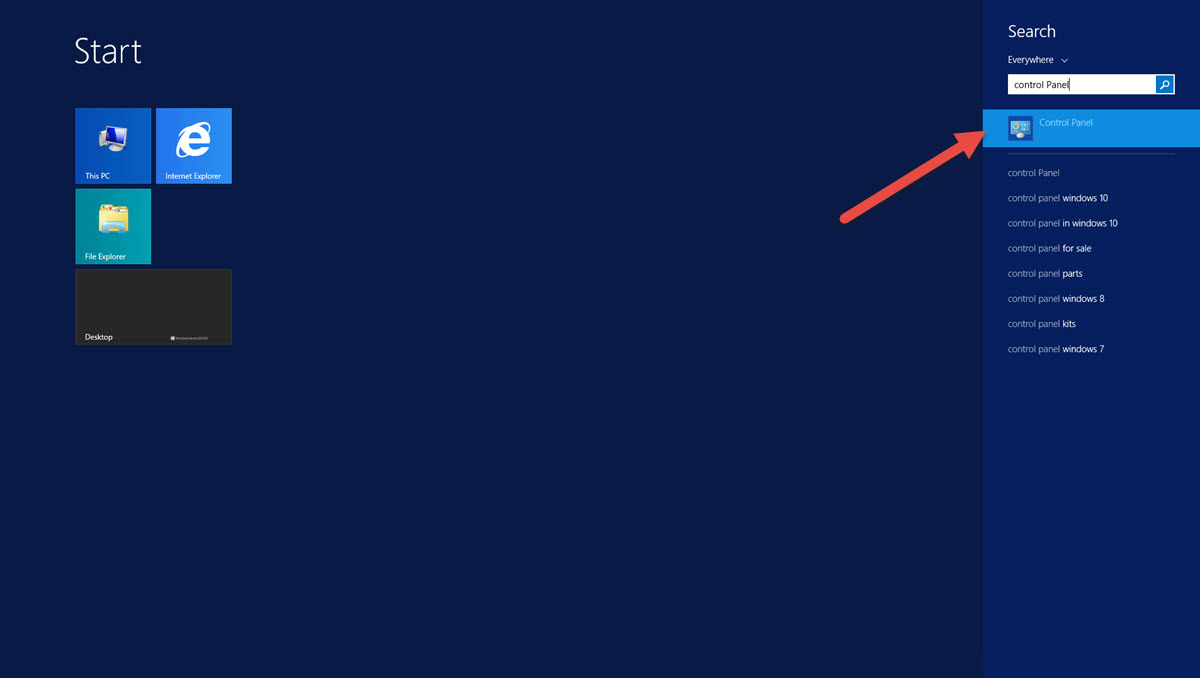
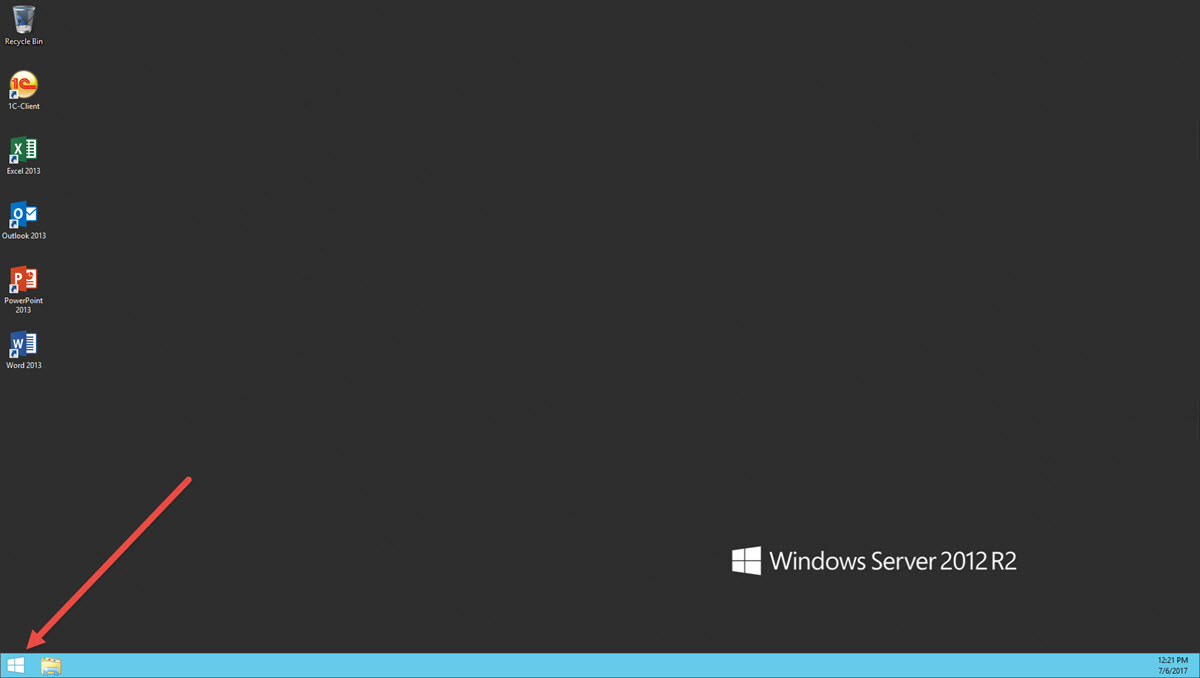
  1. Click on Start.
  2. Type "Control Panel", and pclick on "Control Panel" icon
    SwissInfoCloud Change date and time settings / date and time - control panel.jpg
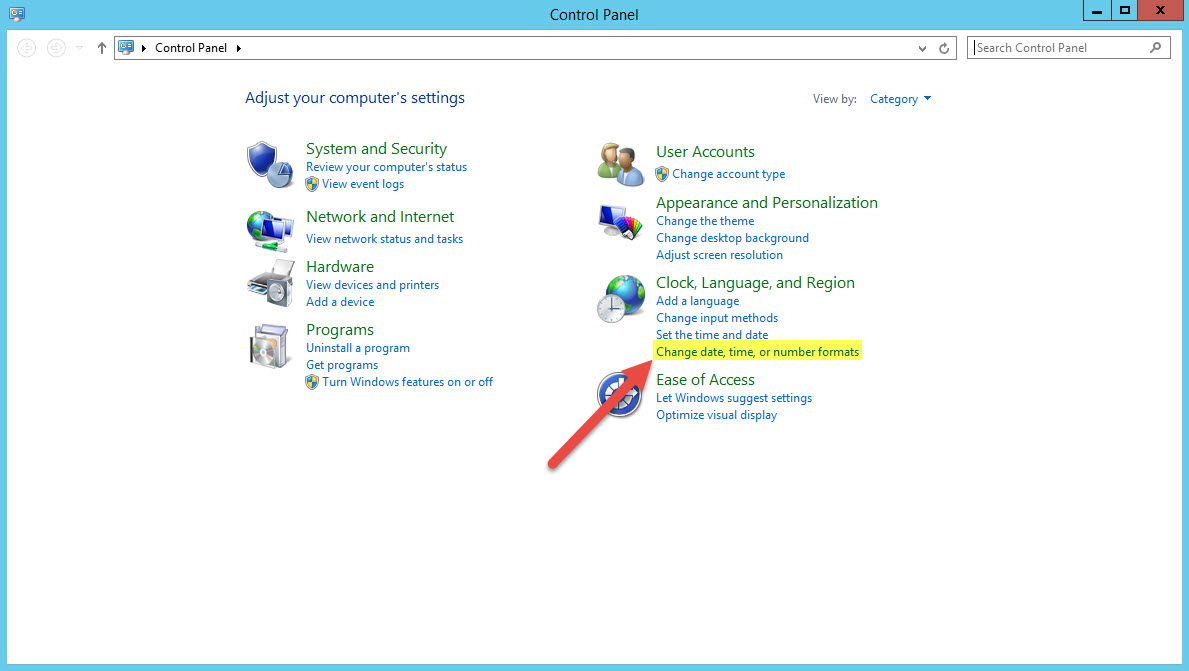
  3. In "Control Panel" find and click on line "Change date, time, or number formats
    Change date and time settings/date and time - control panel change date time or number formats.jpg
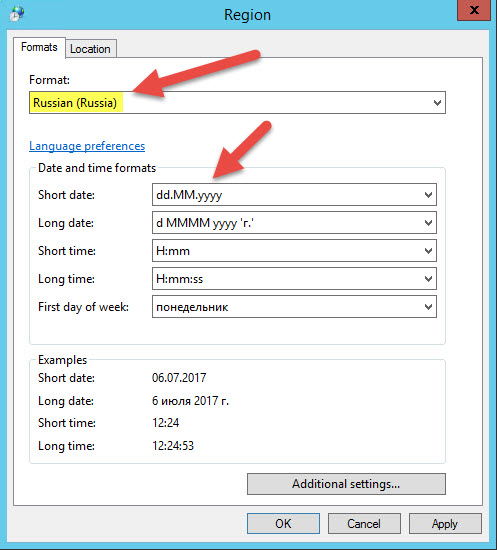
  4. In "Region" window, "Formats" tab, choose desired preset in field "Format", for example "Russian (Russia) and choose more precioos formats. You can see example in the bottom.
    Change date and time settings/date and time - region settings.jpg
Still need help?  Contact our support here: https://www.swissinfocloud.ch/Contact/

Was dit antwoord nuttig?

 Print dit artikel

Lees ook

How to Print locally from a Remote Desktop Connection

For printing on local printer douments opened on remote desktop  you have to Enable Printer as a...

What is the maximum size of email attachments on SwissInfoCloud?

The limit is set to 25mb

Swissinfocloud Support with Teamviewer

In order to get remote support please download our support application and provide your id and...

Installation of FortiToken Mobile

1. Go to Store2. In the search box, type "fortitoken mobile" and choose the app FortiToken...

How to disable old security protocols

How to disable old security protocols Some SwissInfoCloud services may not work with old...