Installation of FortiToken Mobile

1. Go to Store
2. In the search box, type "fortitoken mobile" and choose the app FortiToken Mobile.

3. Tap Install.


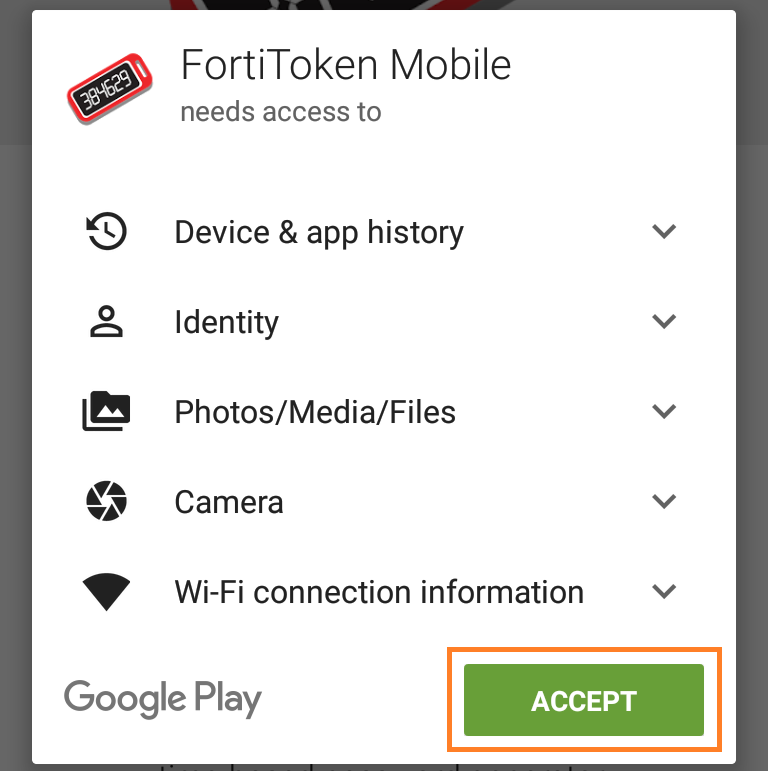
4. Tap Accept to kick off the installation.


Token activation
5.
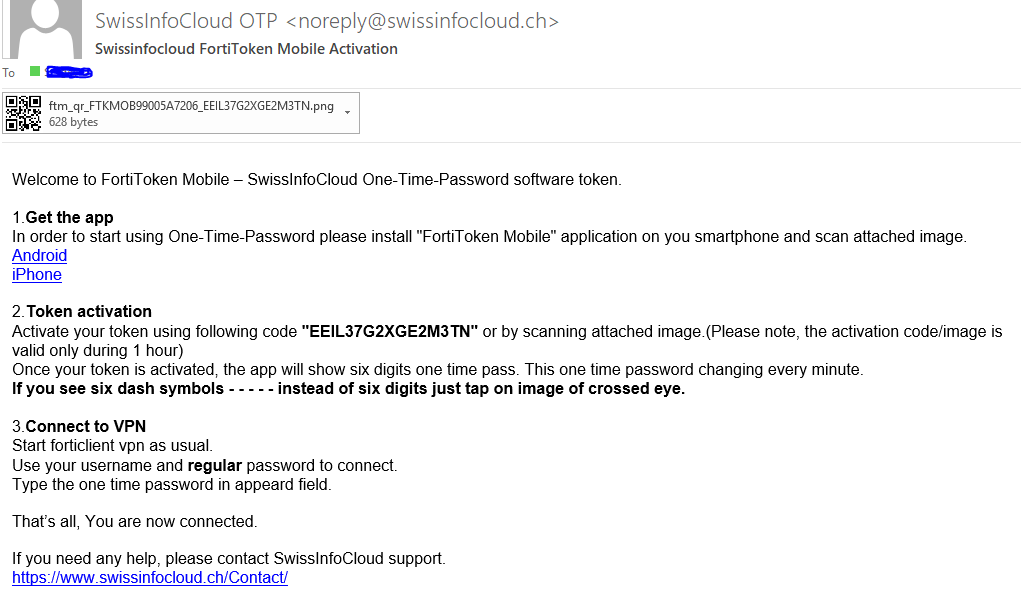
Open the activation email received from SwissInfoCloud OTP noreply@swissinfocloud.ch  and open the attached graphical file.


6. Tap Scan Barcode to scan the QR code displayed in the activation email by using the token barcode scanner, or enter code manually.


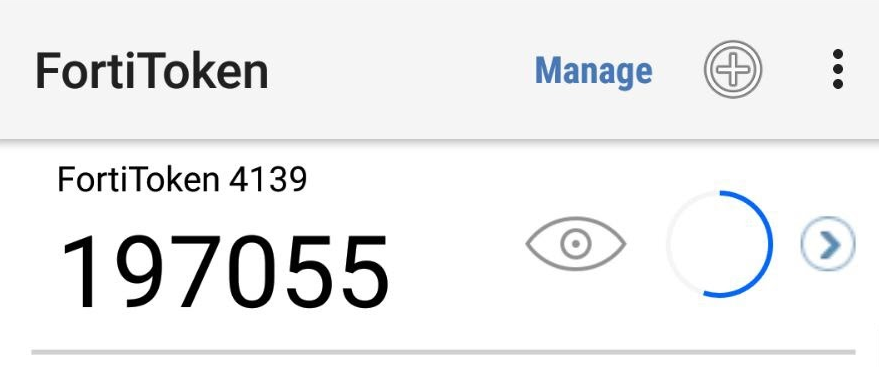
7. Once the token is activated, a token will be displayed on the 2FA Mobile App (FortiToken) and it is ready for use.


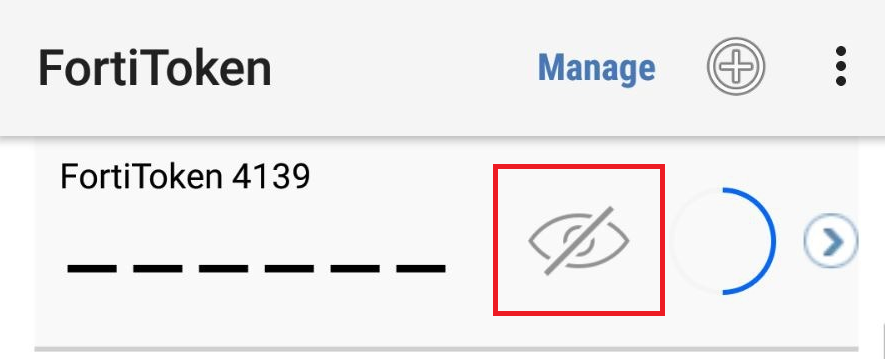
8. If you find the token code is not displayed, please tap the icon highlighted below.


這篇文章有幫助嗎?

 列印本文

Also Read

How to change password

In order to change the password of your account, please visit The change password page...

What is the maximum size of email attachments on SwissInfoCloud?

The limit is set to 25mb

How to Print locally from a Remote Desktop Connection

For printing on local printer douments opened on remote desktop  you have to Enable Printer as a...

How to change regional settings per user в Windows 2012 R2?

To change regional settings including short date, long date, short time, long time, first day of...

How to configure proxy ip address

To configure proxy IP address, please follow steps:1. Run Internet Explorer 2. In the upper right...